


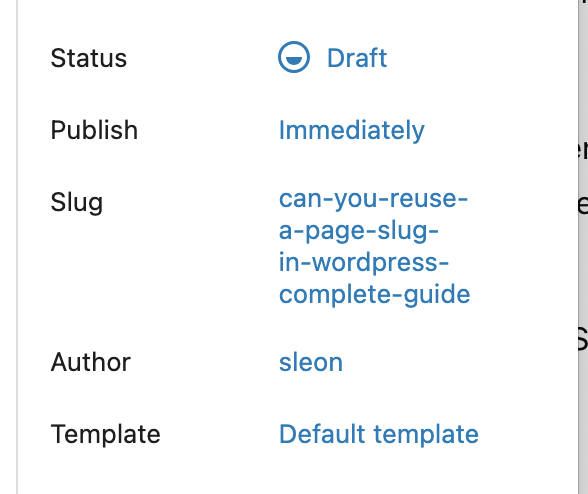
When managing content in WordPress, page slugs play an important role in your site’s URLs, SEO structure, and overall organization. A common question users run into is whether a slug like “summer26” can be reused after deleting a page. The answer is yes, but there are a few important details to understand.
Why WordPress Won’t Let You Reuse a Slug Immediately
If you delete a page in WordPress, it is not permanently removed right away. Instead, it is moved to the Trash, similar to how a recycle bin works on your computer. While the page remains in the Trash, WordPress still reserves the slug.
This is why, if you try to create a new page with the same slug, WordPress may automatically modify it to something like:
summer26-2summer26-duplicate
This behavior prevents URL conflicts and ensures that existing links do not break unintentionally.
How to Reuse the Same Slug (Step-by-Step)
To reuse the slug “summer26”, you need to permanently delete the original page. Here is how to do it:
- Go to Pages in your WordPress dashboard
- Click on the Trash tab
- Locate the page with the slug
summer26 - Click Delete Permanently
Once the page is permanently removed, the slug becomes available again. You can now create a new page and assign it the exact same slug without any suffix.
What If the Slug Still Doesn’t Work?
In some cases, WordPress may still not allow the slug to be reused right away. This is usually due to caching or permalink issues. To fix this:
- Go to Settings → Permalinks
- Click Save Changes (no need to modify anything)
This refreshes your site’s URL structure and clears any lingering conflicts.
SEO Considerations When Reusing a Slug
Reusing a slug like summer26 can be beneficial for SEO, especially if the URL was previously indexed or shared. However, there are a few best practices to follow:
- Ensure the old page is fully removed to avoid duplicate content issues
- Update internal links pointing to the old page
- Set up redirects if the old content had traffic or backlinks
- Maintain relevance by keeping similar content themes under the same slug
If handled correctly, reusing a slug can help preserve URL consistency and improve user experience.
Final Thoughts
Yes, WordPress allows you to reuse a page slug like summer26, but only after the original page is permanently deleted from the Trash. If you run into issues, refreshing your permalinks usually resolves them quickly.
Understanding how WordPress handles slugs ensures cleaner URLs, better SEO performance, and smoother content management across your site.


