
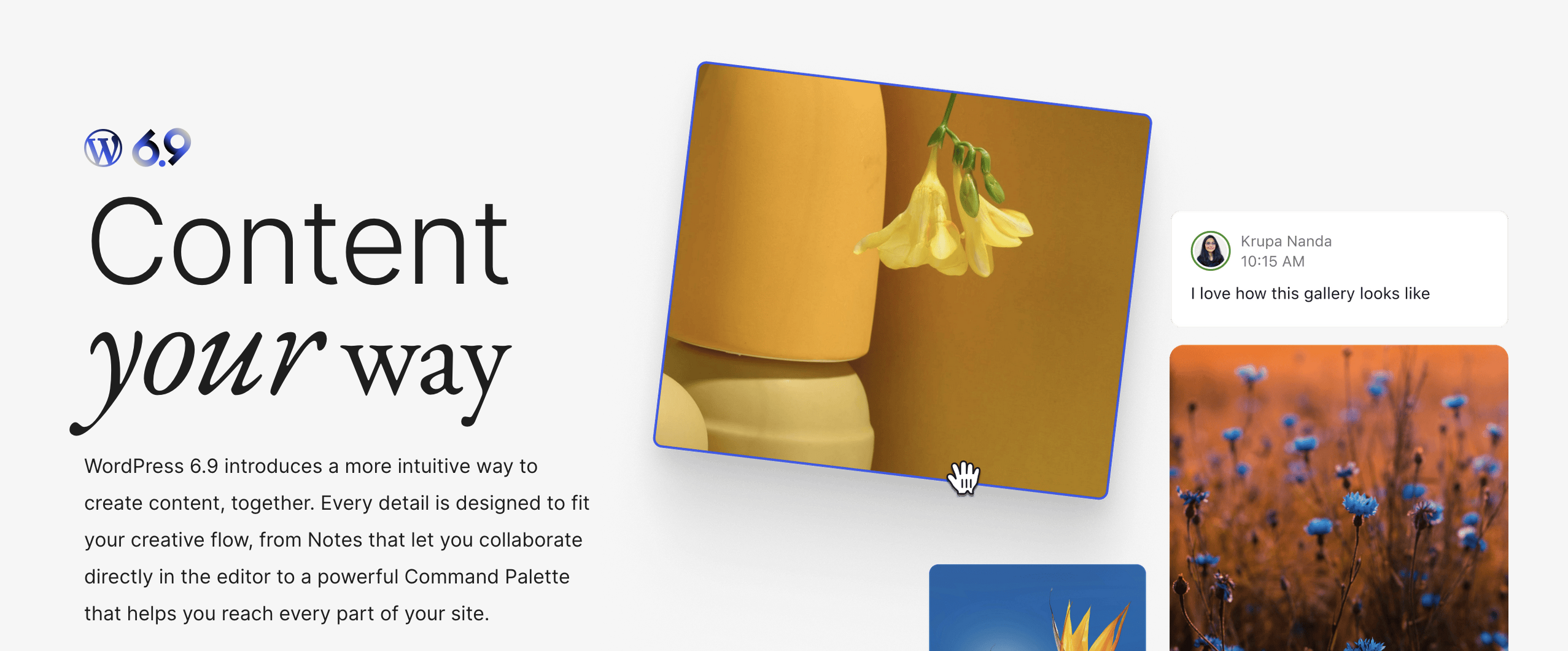
WordPress 6.9, officially dubbed “Gene,” was released on December 2, 2025, delivering one of the most collaboration-focused and performance-driven updates in recent years. This latest version introduces powerful new tools for content creators, designers, and developers, including in-editor Notes, a site-wide Command Palette, major performance upgrades, and over 70 accessibility improvements.
Here’s a complete breakdown of what’s new in WordPress 6.9 and why it matters for site owners and developers.
Built-In Collaboration With Editor Notes
One of the most impactful additions in WordPress 6.9 is Notes, a native feedback system embedded directly in the block editor. Users can now leave comments attached to individual blocks, making collaboration seamless for writers, designers, and editors.
This feature eliminates the need for third-party commenting tools and keeps all feedback directly tied to the content and layout being reviewed.
Visual Drag-and-Drop Layout Building
WordPress 6.9 enhances the visual editing experience with improved drag-and-drop controls. Blocks now feature clearer drag handles and live visual previews, allowing users to see exactly where content will land before dropping it into place.
This greatly improves layout accuracy and speeds up page construction, especially for complex designs.
Command Palette Now Available Everywhere
The Command Palette, previously limited to certain areas, is now accessible across the entire WordPress experience. Whether you’re editing a post, working inside the Site Editor, or managing plugins, you can launch tools instantly using simple keyboard commands.
This update significantly improves efficiency for power users and developers managing large content workflows.
New “Fit Text to Container” Typography Feature
WordPress 6.9 introduces a new responsive typography option that automatically adjusts font size to perfectly fill its container. Initially available for Paragraph and Heading blocks, this feature is designed for:
- Hero banners
- Callout sections
- Promotional layouts
- Dynamic design elements
It removes the need for manual font resizing while keeping designs clean and balanced.
Major Performance Improvements in WordPress 6.9
Performance receives a substantial boost in this release, with improvements targeting both front-end loading speed and editor responsiveness.
Key performance upgrades include:
- Faster Largest Contentful Paint (LCP) scoring
- Improved conditional and inline stylesheet loading
- Script optimization with fetchpriority support
- Reduced layout shifts from the Video block
- Faster loading for taxonomy and term selectors
These changes help sites load quicker, improve Core Web Vitals, and deliver smoother editing experiences.
70+ Accessibility Enhancements
Accessibility is a major focus of WordPress 6.9, with over 70 fixes and improvements applied across the editor and admin experience. Updates include:
- Better screen reader announcements
- Improved focus handling during autocomplete
- Corrected cursor placement behavior
- Hiding CSS-generated content from assistive technologies
These updates make WordPress significantly more usable for individuals relying on assistive tools.
New Blocks and Advanced Tools in WordPress 6.9
Abilities API
A new unified action system allowing developers to register and run actions consistently across PHP, REST, and AI contexts. This opens the door to more connected, automation-ready WordPress features.
Fixed Aspect Ratio for Gallery Blocks
Users can now apply consistent aspect ratios to gallery images for cleaner, more visually balanced layouts.
Accordion Block
The new Accordion block lets users add collapsible content for FAQs, menus, and long-form sections without custom code.
Time to Read Block
Automatically displays how long a post takes to read, improving user engagement and content transparency.
Math Block Using MathML
Mathematical formulas can now be added natively with a new MathML-powered block, ensuring clear and accessible rendering.
External Data Bindings
Third-party developers can now extend the block bindings interface with custom data sources, enabling deeper integrations with external platforms.
WordPress 6.9 Release Leadership
The WordPress 6.9 release was led by a global contributor team, including:
- Release Lead: Matt Mullenweg
- Release Coordination: Akshaya Rane, Amy Kamala
- Tech Leads: David Baumwald, Ella van Durpe, Héctor Prieto
- Design Lead: Francisco Vera
- Triage Leads: Aki Hamano, Ryan Welcher
- Test Leads: Jonathan Bossenger, Krupa Nanda
How to Download or Update to WordPress 6.9
You can update to WordPress 6.9 directly from your dashboard by navigating to:
Dashboard > Updates > Update Now
It is also available through the WordPress release archive for manual installations.
Final Thoughts on WordPress 6.9
WordPress 6.9 represents a major leap forward in collaboration, performance optimization, accessibility, and visual editing tools. With real-time Notes, a site-wide Command Palette, advanced typography scaling, and powerful new blocks, this release strengthens WordPress as both a content creation platform and a modern web application framework.
For site owners, the result is faster pages and better accessibility. For developers, WordPress 6.9 unlocks powerful new APIs and integration tools that push the platform further into AI-ready, automation-friendly territory.