

Wix has grown into one of the most recognizable website builders in the world, powering millions of sites for businesses, creators, and entrepreneurs. But behind its drag-and-drop simplicity lies a story rooted in solving a very real technical challenge: making web development accessible to everyone.
The Origins of Wix: From Frustration to Innovation
Wix was founded in 2006 by Avishai Abrahami, Nadav Abrahami, and Giora Kaplan. The idea came from their own struggle to build a website for a startup. At the time, creating a website required a solid understanding of coding languages like HTML, CSS, and often Flash.
Instead of continuing down that complex path, they asked a simple question: What if anyone could build a website without coding?
Their answer was Wix—a platform that initially relied on Adobe Flash to enable users to visually design websites. This early version allowed users to drag elements like text, images, and buttons onto a canvas, significantly lowering the barrier to entry for website creation.
However, when Flash became obsolete, Wix made a critical pivot. Around 2012–2013, the company transitioned to HTML5, improving performance, mobile compatibility, and SEO capabilities. This shift was essential in transforming Wix from a basic site builder into a modern web development platform.
Wix Today: A No-Code Platform with Powerful Capabilities

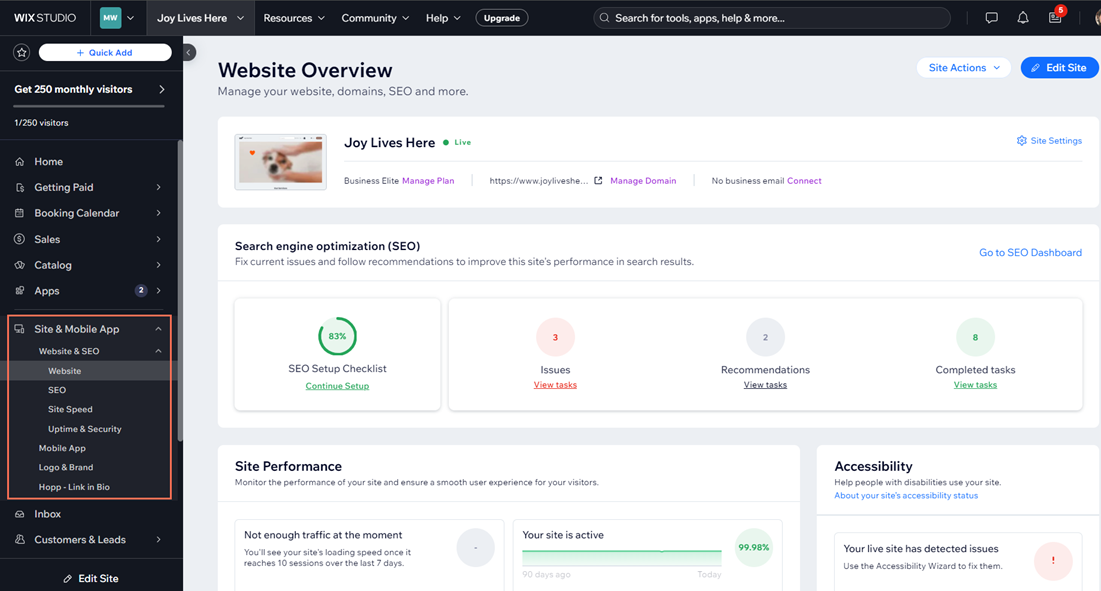
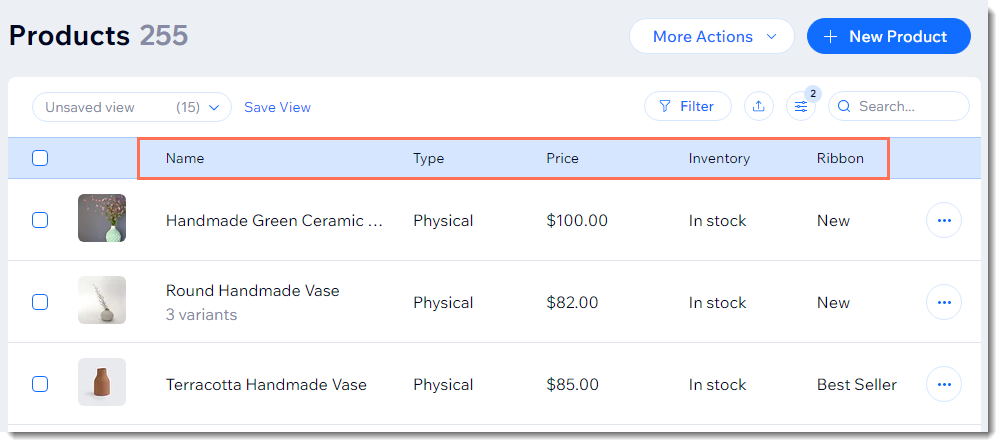
Today, Wix operates as a comprehensive website-building ecosystem. It offers multiple ways to create a site depending on your technical skill level:
- Wix Editor (Drag-and-Drop): Full visual control with no coding required
- Wix ADI (Artificial Design Intelligence): Automatically builds a site based on user input
- Wix Studio / Velo by Wix: Advanced development tools with JavaScript support
This layered approach is what makes Wix appealing to both beginners and experienced developers.
How Technical Is Wix? A Complete Breakdown
Beginner Level: No Technical Skills Required
For most users, Wix is entirely no-code. You can:
- Drag and drop elements anywhere on the page
- Customize fonts, colors, and layouts visually
- Add features like contact forms, galleries, and booking tools with one click
There is no need to understand hosting, servers, or even basic HTML. Wix handles everything—from infrastructure to security.
This makes it ideal for:
- Small business owners
- Bloggers
- Local service providers
- First-time website creators
Intermediate Level: Light Technical Understanding Helps
As users grow more comfortable, they may encounter features that benefit from some technical awareness:
- SEO settings (meta tags, structured data)
- Responsive design adjustments
- App integrations (payments, CRM tools, analytics)
While still mostly visual, understanding how websites function improves results. For example, knowing how page speed or mobile optimization impacts SEO can make a significant difference.
Advanced Level: Developer-Friendly with Velo
For those who want more control, Wix offers Velo by Wix, a full-stack development platform built into the ecosystem.
With Velo, users can:
- Write JavaScript to create custom functionality
- Build dynamic pages connected to databases
- Create APIs and backend logic
- Integrate third-party services
At this level, Wix becomes closer to a traditional development environment—but still within a managed, simplified infrastructure.
Wix vs Traditional Web Development
To understand Wix’s technical level, it helps to compare it with building a site from scratch:
- Traditional Development: Requires knowledge of HTML, CSS, JavaScript, hosting, deployment, and security
- Wix: Abstracts all of that into a visual interface, with optional coding layers
In other words, Wix compresses what used to be a highly technical process into something approachable, without completely removing the ability to go deeper.
Key Advantages of Wix’s Approach
Wix’s success is largely due to how it balances simplicity and power:
- Accessibility: Anyone can build a website in hours
- All-in-One Platform: Hosting, templates, security, and updates included
- Scalability: Users can start simple and grow into advanced features
- Speed to Launch: No setup or configuration required
This combination has made Wix a dominant player in the no-code movement.
Final Thoughts: Is Wix Right for You?
Wix started as a solution to a frustrating problem—how to build a website without coding—and evolved into a platform that serves both beginners and developers.
From a technical standpoint, Wix is:
- Beginner-friendly at its core
- Moderately technical when optimizing and scaling
- Developer-capable when using advanced tools like Velo
That flexibility is what makes Wix unique. It meets users where they are and grows with them, whether they’re launching a small business site or building a more complex web application.
In practical terms, Wix doesn’t eliminate technical complexity—it simply gives you the choice of how much of it you want to engage with.